
The end of Safari
ad-blocking B.S.
A Safari content blocker for macOS, iOS, and iPadOS — 750,000 compiled rules, custom AdGuard lists, iCloud sync, and userscripts for everything static rules can't reach.
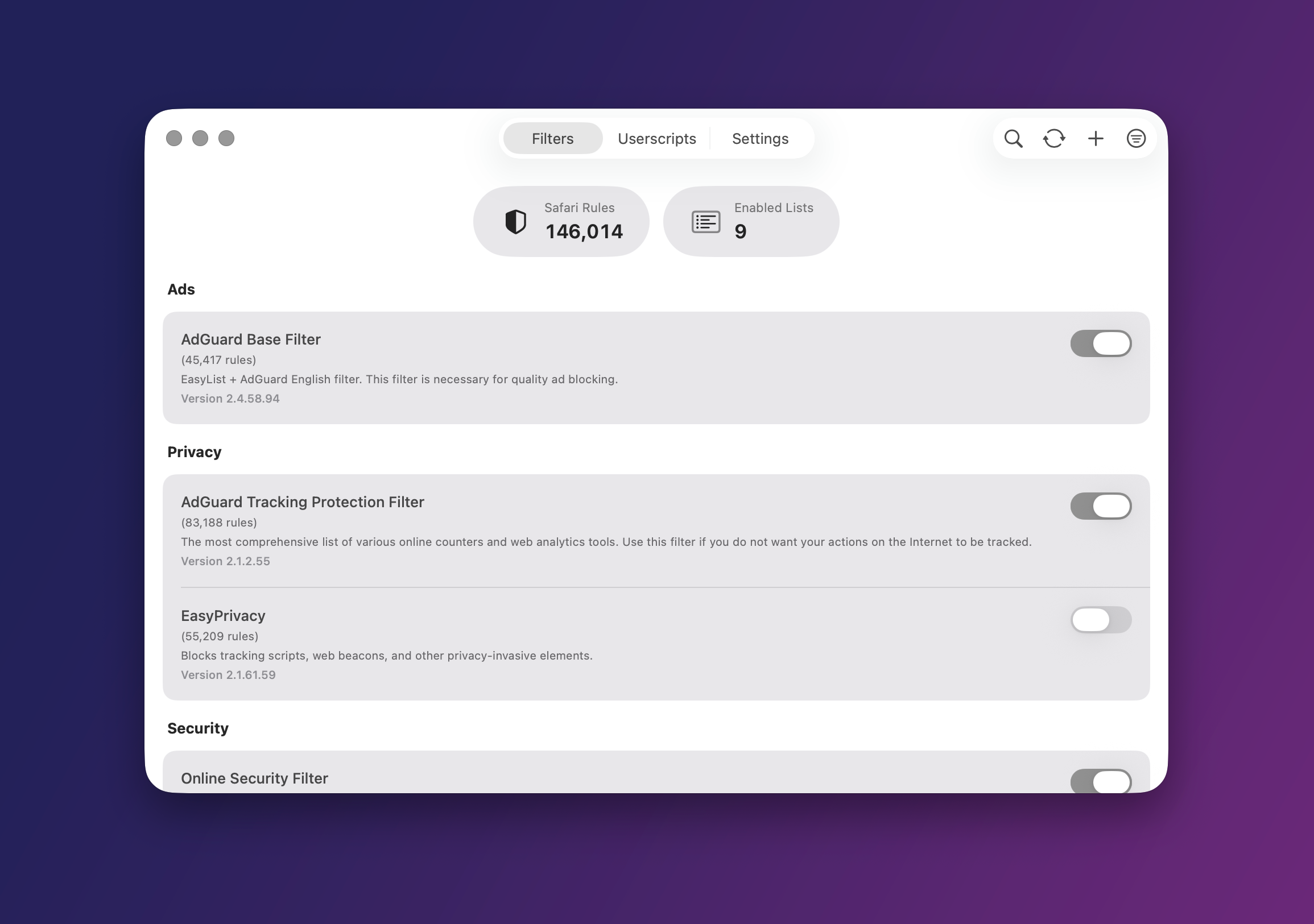
Most Safari blockers are a pile of tradeoffs: how many rules fit, whether scripts run, how updates happen, and how much the app actually lets you see. wBlock is built to win on all four — and to show its work. Safari-native wBlock compiles AdGuard-style lists into Safari's native content-blocker rules and spreads them across five extension slots for up to 750,000 rules. Matching runs out-of-process, so idle overhead is about 40 MB and page loads never wait on a live interception script. It surfaces the numbers that matter, too: source rules, converted Safari rules, conversion time, reload time, and exactly which categories each change touched. Userscripts Content blockers are compiled rule sets, not a scripting environment. wBlock adds the missing layer — a Greasemonkey-style runtime with Everywhere Filter selections, custom lists, userscripts, and whitelist entries sync across macOS, iOS, and iPadOS over iCloud. The element zapper is one tap away from the Safari extension popup on every device.Blocking that lives inside Safari
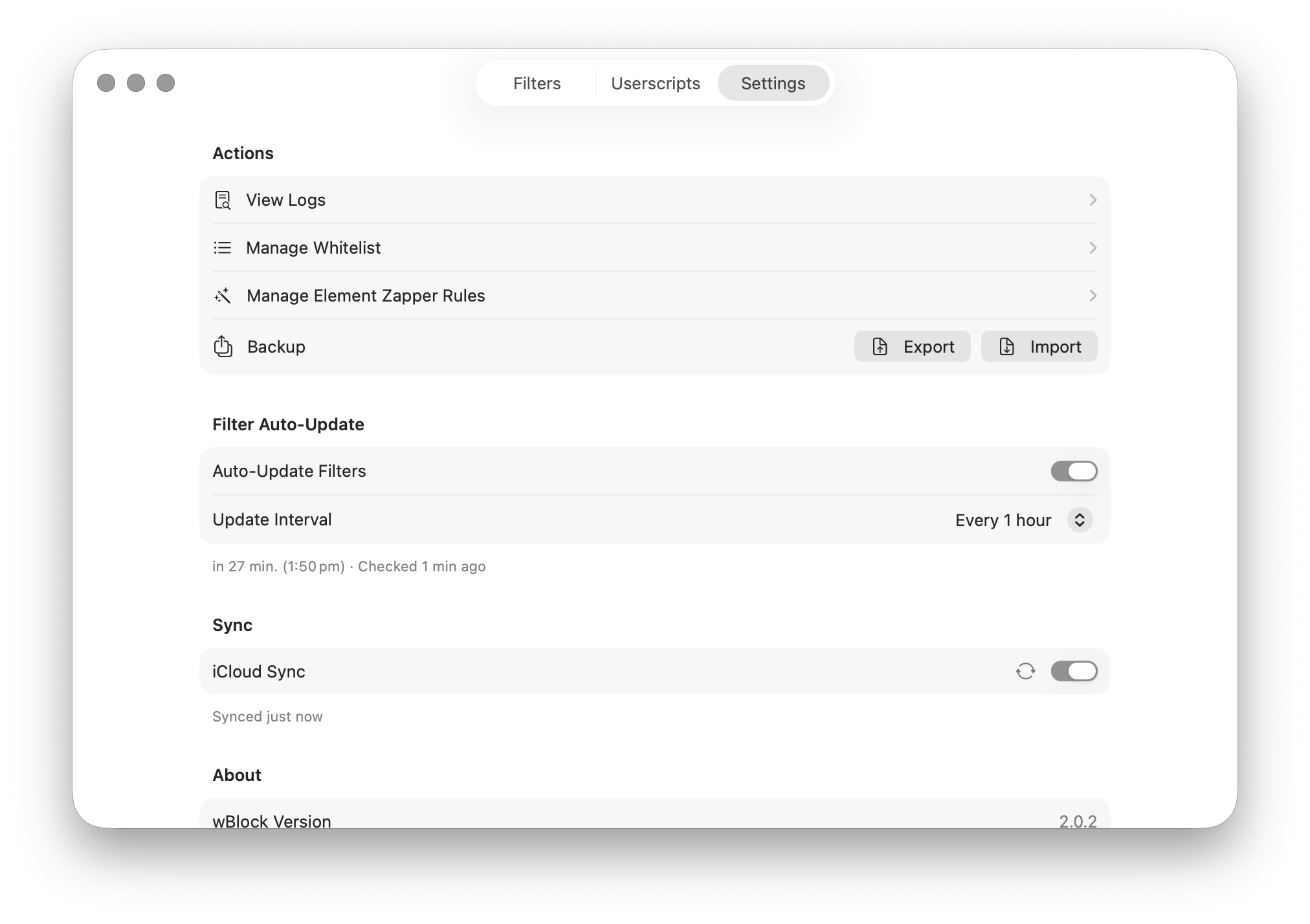
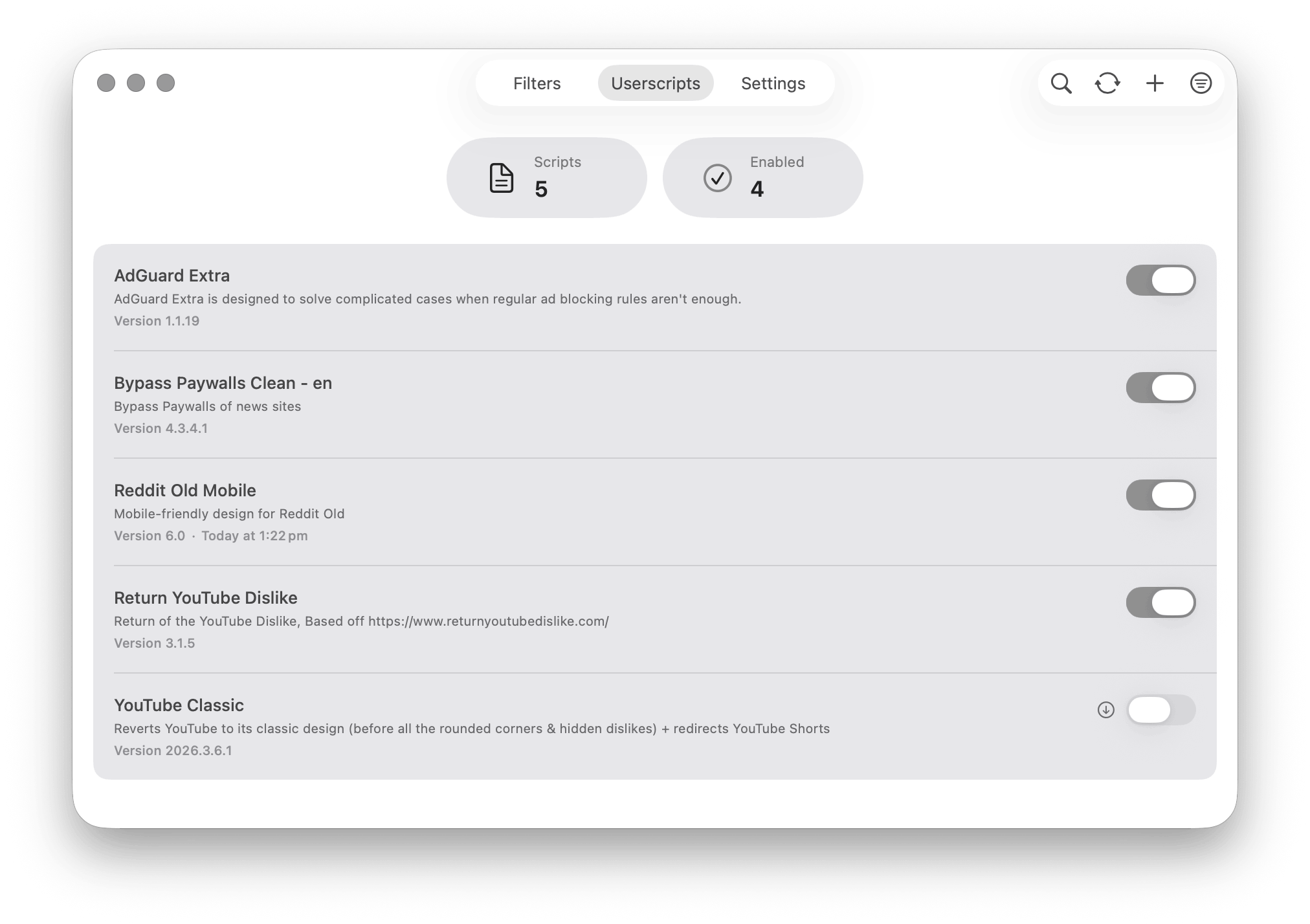
For everything rules can't reach
GM_getValue, GM_setValue, GM_xmlhttpRequest, GM_addStyle, GM_registerMenuCommand, and the rest — so a script can patch a stubborn site, store settings, or make a network request.The same app on iPhone and iPad
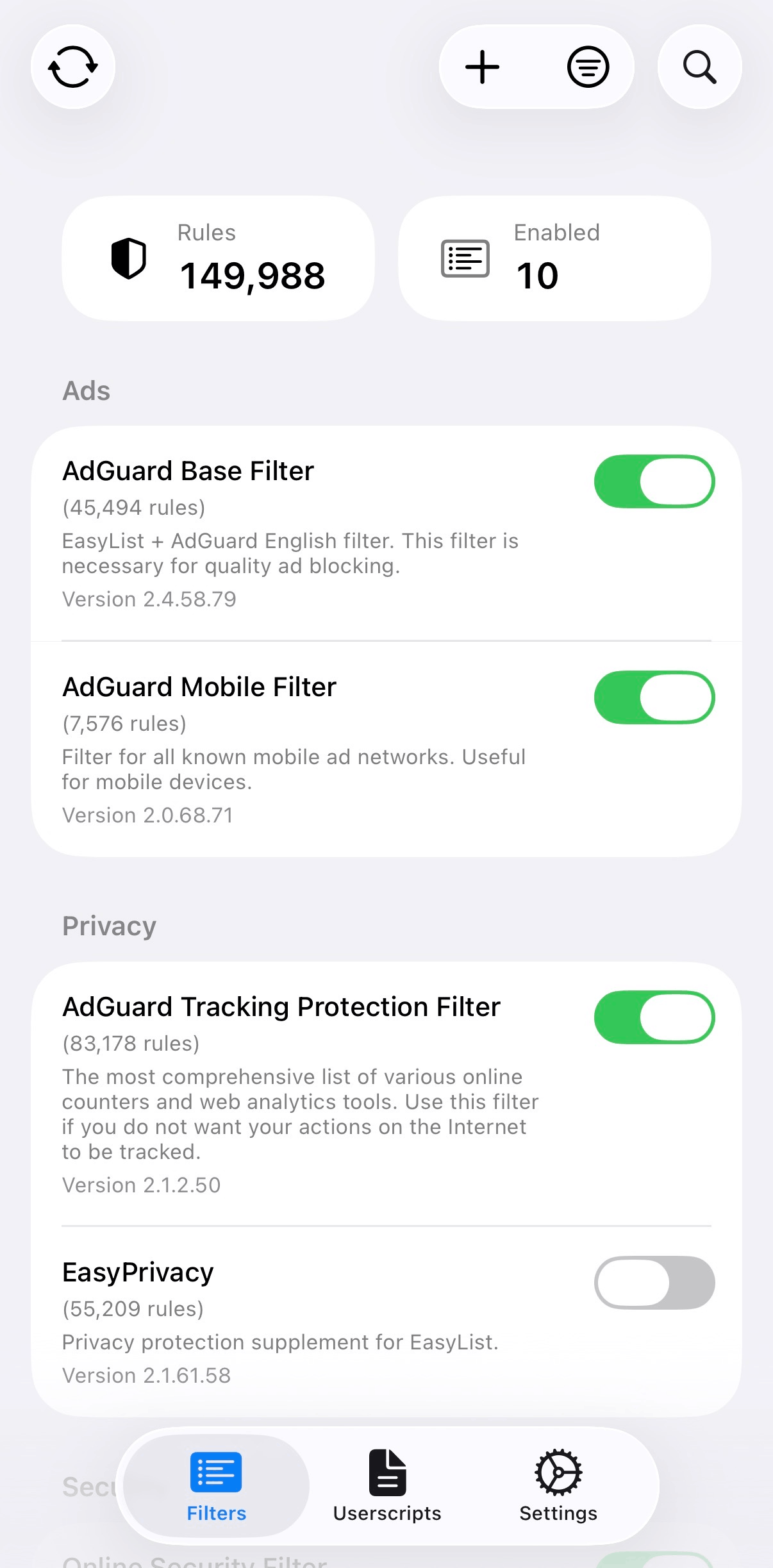
How it compares
| Feature | wBlock | uBlock Origin Lite | Wipr 2 | AdGuard Mini / iOS |
|---|---|---|---|---|
| Architecture | Safari Content Blocker + app/web layer | Manifest V3 web extension | Safari Content Blocker + Wipr Extra | Safari Content Blocker + web extension |
| Rule capacity | 750k (5×150k) | Browser-dependent rulesets | 4 blocklist extensions | 900k Mini; iOS six 150k slots |
| Filter updates | Automatic, 1h to 7d | Extension updates | Automatic, twice weekly | Automatic; real-time needs Pro |
| Custom lists | URL, paste, or file | Limited | No | Yes |
| Element zapper | Yes | Cosmetic picker | No | Yes |
| Userscripts | Yes | No | No | No in Mini / iOS |
| Sync | iCloud | No | Settings sync | No |
| Open source | Yes, GPL-3.0 | Yes, GPL-3.0 | No | License varies |
| Storage | Protocol Buffers + LZ4 | Packaged rulesets | Closed | App storage + JSON |
The full write-up lives in the comparison guide.
Questions
Can I use my own filter lists?+
Yes — add AdGuard-compatible lists by URL, paste rules directly, or import a file.
Does wBlock slow down Safari?+
No. Matching is handled by Safari's content-blocker engine in a separate process. Idle overhead is around 40 MB and page loads don't depend on a live interception script.
Do userscripts work on iOS and iPadOS?+
Yes. The userscript layer runs through Safari Web Extensions on macOS, iOS, and iPadOS, with the common Greasemonkey APIs.
How often do filters update?+
Anywhere from every hour to every 7 days, or manually. On macOS a launch agent can keep checking while the app is closed; on iOS/iPadOS checks are best-effort. Updates use ETag and If-Modified-Since.
App Store or Homebrew?+
The App Store build updates itself automatically. The DMG and Homebrew cask (brew tap 0xcub3/wblock && brew install --cask wblock) expose the same macOS features.
wBlock is free and open source. Sponsor development or report an issue.