About This Hack
Hardware info in the classic “About This Mac” layout — with the extra detail a Hackintosh actually needs.
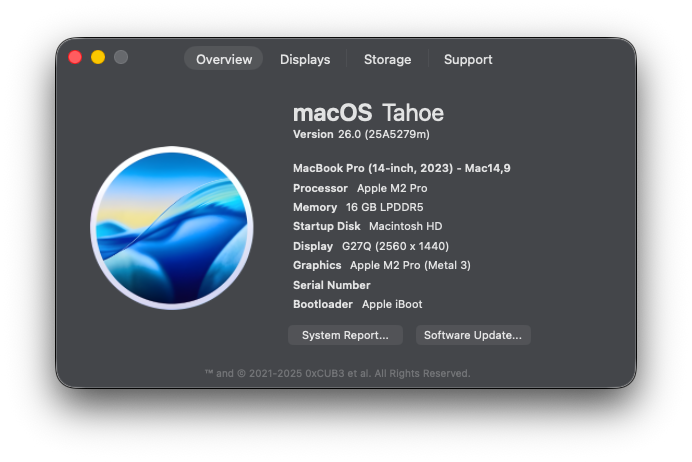
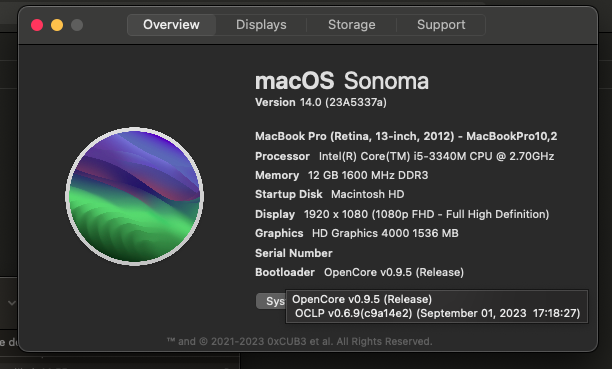
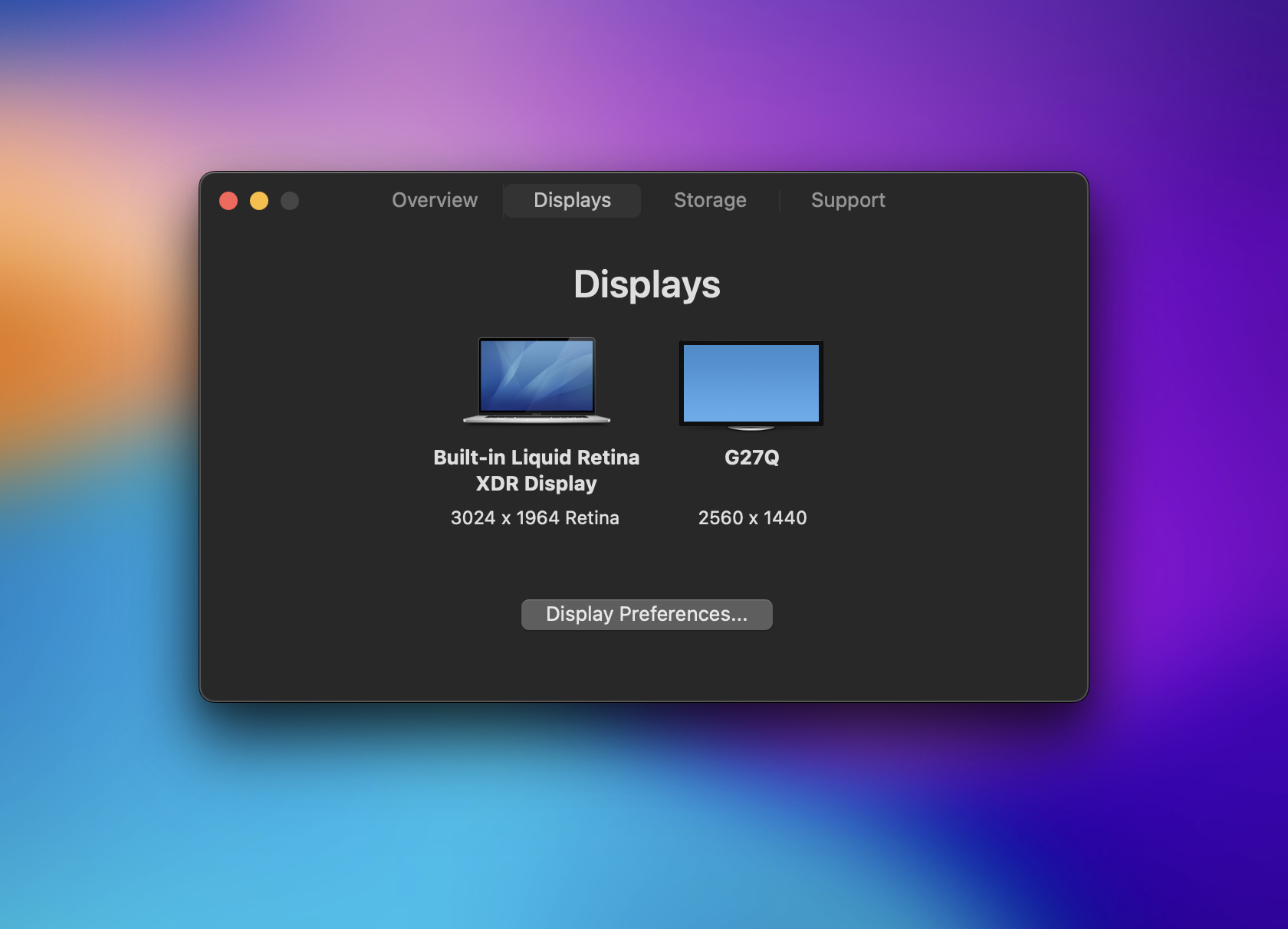
The pre-Ventura overview screen, faithfully rebuilt — model, OS, CPU, memory, and graphics at a glance — then quietly extended for the machines Apple never shipped. Overview The same arrangement people knew for years, refreshed with modern hardware details and OpenCore or Clover information when it's present. Click the serial number to hide it before a screenshot. Displays Connected displays and their resolutions, visualized in a single view — the kind of thing that used to take three apps to figure out on a hackintosh. Storage Startup disk name and type with a clean usage bar — capacity and free space without opening Disk Utility. Support Built-in shortcuts to macOS support and the Hackintosh guides worth keeping close.The layout you remember
Up to three, at a glance
Disk, type, and free space
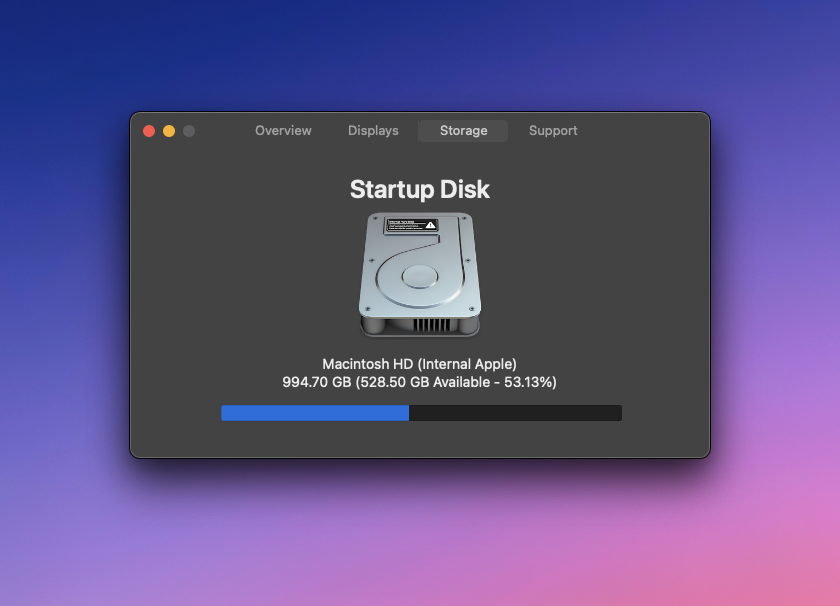
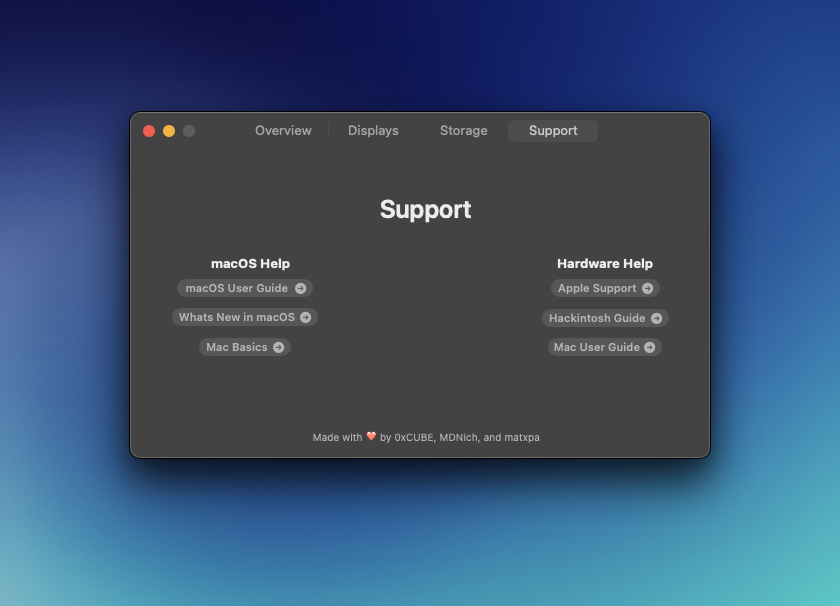
The links people actually use
Questions
Why does macOS say the app is blocked?+
On older macOS you may hit a Gatekeeper warning. Open System Settings → Privacy & Security and click “Open Anyway”.
Does it work on real Macs and Hackintosh systems?+
Both. It reads standard macOS system info and surfaces Clover/OpenCore details when available.
What macOS versions are supported?+
macOS 10.13 High Sierra and newer.
Free and open source. Support on OpenCollective or read the README.